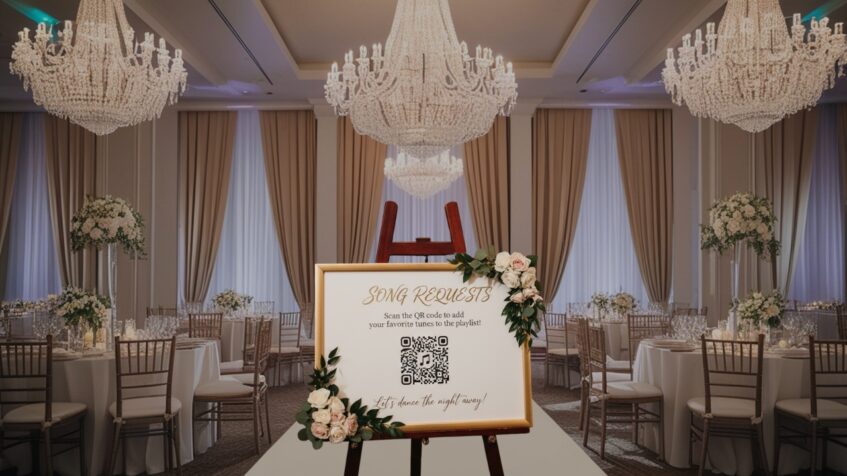
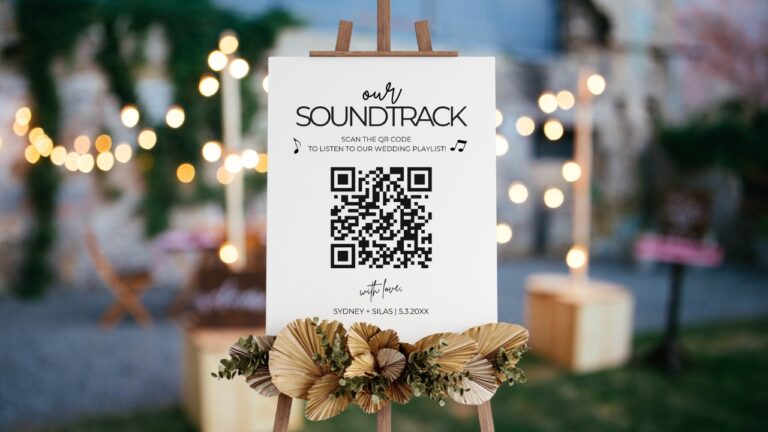
Every couple wants a dance floor that feels personal, energetic, and connected to their guests.
Collecting song requests by hand can get messy fast, especially once paper cards, napkins, texts, and last-minute DJ booth requests start piling up.
A wedding song request QR code gives guests a cleaner way to help shape the playlist.
Guests scan a code, open a request page, and submit songs right through their phones.
Couples and DJs still keep control over what gets played, but guests get an easy way to share the songs they are hoping to hear.
QR codes have become popular at weddings because they are simple, flexible, low-waste, and easy to use.
What Is a Wedding Song Request QR Code?
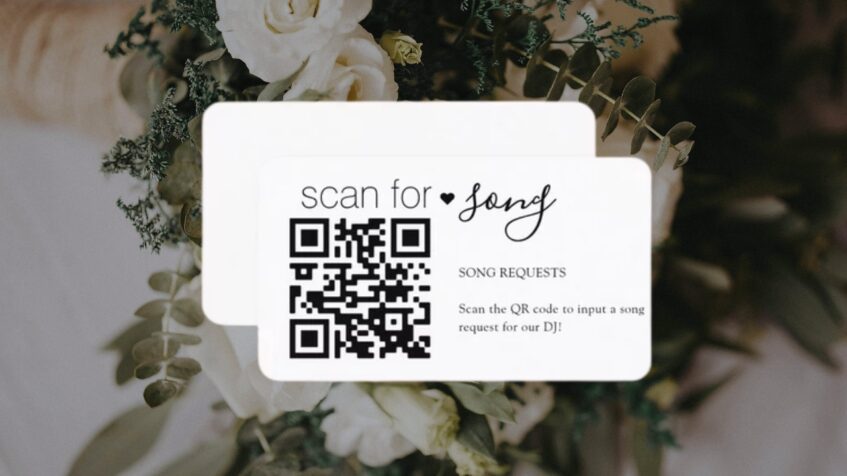
A wedding song request QR code is a scannable code that links guests to a song request form, shared playlist, wedding music app, or custom event page.
It works like a digital shortcut, sending guests straight to a page where they can suggest music.
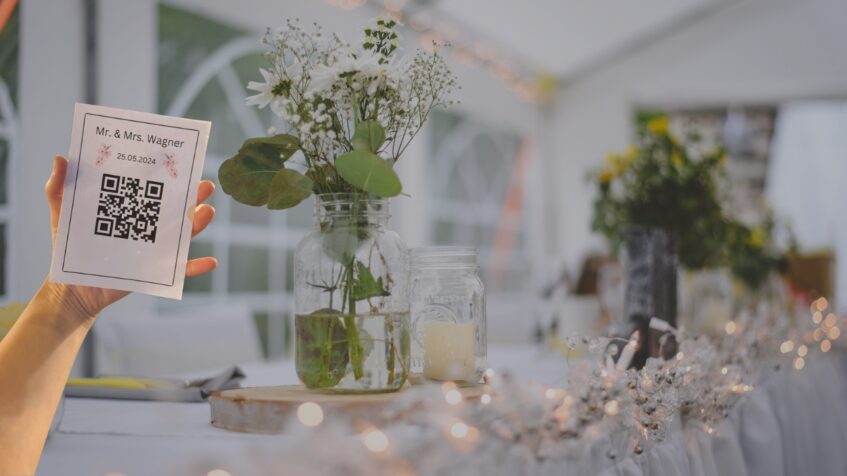
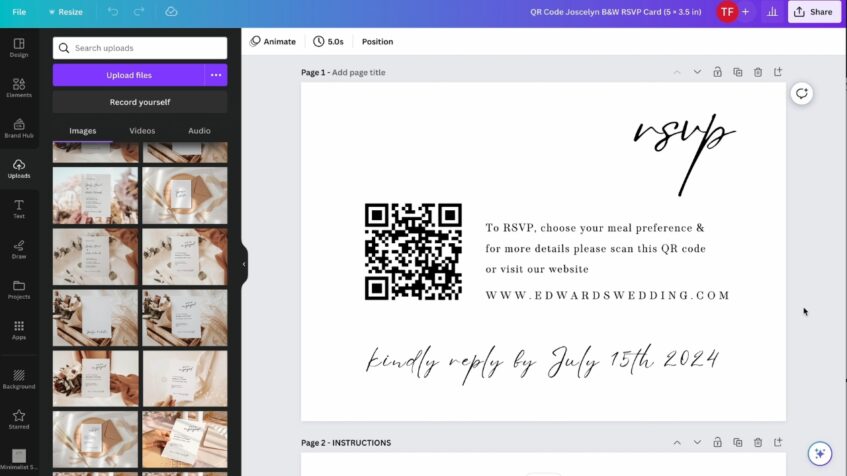
A QR code works like a link. It can instantly direct guests to forms, playlists, event tools, request pages, schedules, menus, photo galleries, or other digital content. Wedding song request tools can also feel frictionless for guests. Some platforms let guests send requests through a browser with no app, account, download, or sign-up required. Some systems are built so guests can scan the code and request a song in less than 20 seconds. A QR code can also connect to a custom event page. Guests may be able to search for songs, submit requests, add dedications, and vote on tracks other guests have already suggested. QR codes solve both sides of that problem by giving guests a simple entry point while keeping requests organized for the couple and the DJ. Convenience is one of the biggest benefits. Guests can request songs quickly using the phones they already have with them. Guests do not need to walk up to the DJ booth, stop the set, or hand over paper notes. Better planning helps couples and DJs build a stronger playlist before the reception begins. Collecting requests early can reveal crowd favorites, family classics, and songs guests are genuinely excited to hear. More guest engagement makes the celebration feel more personal. Couples and DJs can sort songs, review suggestions, approve tracks, decline songs, collect votes, and sync approved choices into playlists. QR codes can replace printed request cards or paper forms, and they can also support other wedding needs such as invitations, programs, menus, and schedules. Timing affects how useful the request system becomes. Sharing the code too late can lead to rushed suggestions, while sharing it early gives guests time to think about songs that actually matter to them. Early sharing gives the playlist a stronger foundation. Couples can add the QR code or request link to the wedding website, digital invitations, RSVP cards, email reminders, welcome-party details, and printed or digital save-the-dates. Guests can start submitting songs weeks before the wedding day. Sending the request link with invitations can help people think about songs in advance instead of rushing to make requests during the reception. DJs can create an event using the couple’s names, event date, and event duration before generating a request link or QR code for guests. Early collection helps the couple and the DJ spot patterns. Repeated songs, popular artists, family favorites, and generation-specific requests can all help shape a playlist that feels more prepared and more crowd-aware. Day-of placement helps guests notice the request option at the right moment. QR codes can appear at the guest book table, bar, dinner tables, DJ booth, seating chart area, entrance signage, menus, table cards, or a screen near the entrance. Clear wording makes scanning easier. A short line such as “Scan to request a song for the dance floor” tells guests exactly what to do. Brief instructions can help guests who are less comfortable with QR codes. Wording such as “Scan with your phone’s camera” can make the process feel simple. Placement should match guest behavior during the reception. A code near the bar may work well during cocktail hour, while table cards may get more attention during dinner. Table cards, menus, entrance screens, and signage can all carry a customized QR code. Matching the code design and wording to the wedding style helps it feel intentional instead of tacked on. A backup option is still smart. Some guests may not have smartphones, a good cell signal, or reliable internet access. A small printed request card, a note-taking option at the DJ booth, or a designated helper can keep the process inclusive. Setting up a wedding song request QR code does not need to be complicated. A couple mainly needs a destination, a simple request process, a scannable code, and a clear plan for reviewing submissions. Start by deciding where the QR code should send guests. Common options include a wedding song request app, Google Form, wedding website request page, shared playlist, DJ-managed request system, or custom event page created by the DJ or couple. Shared playlists can be a simple option. A QR code can send guests to a playlist where they can suggest songs or add requests, depending on the platform and privacy settings. Browser-based requests, approval tools, voting, guest limits, playlist syncing, and DJ dashboards can help keep the process organized. Platform choice should depend on how much control the couple and the DJ want. A casual playlist may be enough for a small wedding, while a larger reception may need stronger approval settings, request limits, and DJ access. A strong request form should be easy to complete. Useful fields include guest name, song title, artist, dedication, reason for the request, and preferred wedding moment. Moment options can include cocktail hour, dinner, dancing, or late-night. Separating requests by part of the day helps the DJ place each song in a better slot. DJ-managed tools may ask for event details before producing a QR code or a request link. Basic setup details can include the couple’s names, event date, and event duration. Multiple playlists can also help organize the day. Dinner, dance floor, and late-night wind-down requests may each need a different mood. A form can also collect extra context without making the process feel long. Guest-friendly limits can prevent request overload. Some platforms allow guests to search through millions of songs and request up to five tracks each. After the request page is ready, create the QR code through a QR code generator, Canva, QRStuff, or a built-in tool inside the request platform. Couples can adjust colors, add text above and below the code, include a logo or wedding mark, and download a print-ready file. Color choices should still keep the code easy to scan. High contrast usually works best, especially on printed signs, table cards, and menus. Guest-facing pages can also match the event design. Some platforms offer elegant, rustic, and modern themes, plus image uploads that personalize the request page. A finished QR display should give guests enough context before they scan. Testing protects the guest experience. Scan the QR code on multiple phones before sending it to print. Check that the link opens correctly. Make sure the request page loads fast, looks clean on mobile, and does not require unnecessary steps. Confirm that the form is easy to use. Guests should be able to submit a song without confusion, extra downloads, or account setup unless the couple intentionally chose that format. The venue’s internet also matters. Make sure guests will have cell signal or Wi-Fi access where the QR code will be displayed. High-resolution downloads are important for print quality. Use a clear file before adding the QR code to invitations, signs, menus, table cards, or table settings. Simple instructions near the code can reduce confusion. Place the code where guests can see it, scan it, and understand its purpose quickly. Guest requests can be valuable, but an open request system should not take over the reception. A strong setup gives the DJ useful crowd input while keeping the music flow professional and aligned with the couple’s preferences. Guest input should support the professional music flow, not replace it. A DJ still manages pacing, transitions, crowd energy, timing, and the overall shape of the reception. DJs can accept songs that fit the moment, decline songs that clash with the couple’s preferences, and use voting to see what the crowd wants most. DJs may restrict guests to a curated playlist that matches the couple’s taste, or they may allow broader requests with auto-accept and decline rules. As guests request and vote for songs, DJs can monitor the list and choose tracks that support the current mood. That helps maintain a smooth flow while still giving guests a voice. Instead of guests crowding the booth, new requests can appear in a dashboard, and some platforms can send real-time push notifications when a new request arrives. Approved songs may sync into Spotify, Apple Music, TIDAL, SoundCloud, or DJ software, depending on the tool. That can help the DJ move accepted requests into a workable music system faster. Post-event request data can also help DJs improve future weddings. Analytics may show the most requested songs, voting activity, and guest engagement after the event. A wedding song request QR code makes the playlist more personal, interactive, and organized. Guests get a simple way to suggest songs, couples get music ideas tied to their favorite people, and DJs keep control over flow and professionalism. QR codes are an easy, budget-friendly way to modernize a wedding while supporting a more personal and eco-conscious guest experience. Create the request page, set must-play and do-not-play boundaries, test the QR code, share it early, and place it where guests can see it on the wedding day.
Why Use QR Codes for Wedding Song Requests?
Song requests can add energy to a reception, but only when the process is easy for guests and manageable for the people planning the music.
When To Share the QR Code
Before the Wedding
During the Wedding
How Couples Can Set Up a Song Request QR Code
Choose the Destination
Create the Event or Form
Generate the QR Code
Test Before Printing
How DJs Can Use QR Song Requests Without Losing Control

Summary